
Desktop tool · Windows / Linux
ESP32 Firmware Flasher
Flash ESP32 firmware from your desktop, without installing Python or PlatformIO.
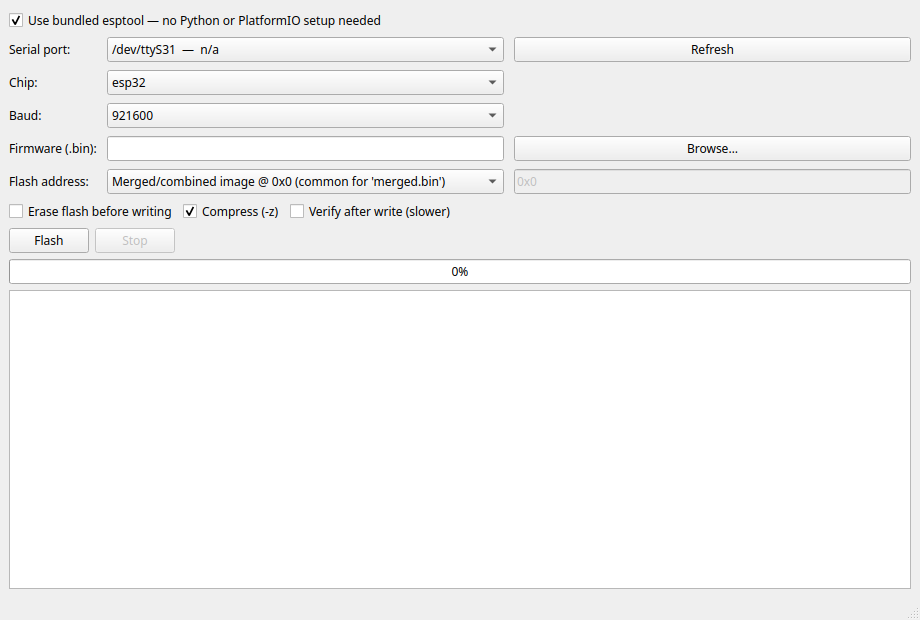
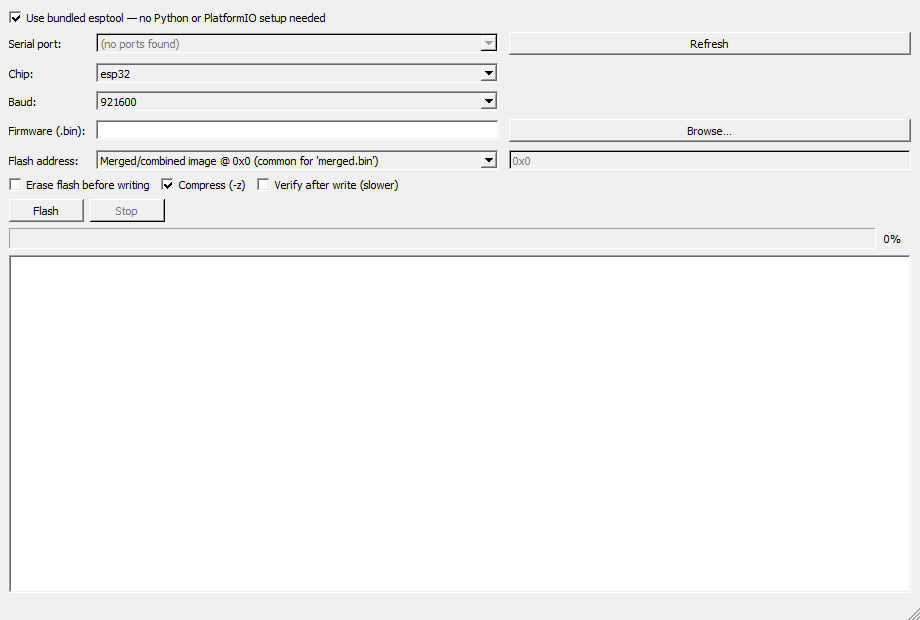
Pick a serial port, choose your firmware binary and flash address, then follow the progress in the app. Supports ESP32, S2, S3, C3, C6 and H2, with chip detection, baud-rate presets and optional verification.
Python, esptool and serial support are bundled. Extract the entire download and keep its folders together; USB-to-serial drivers or Linux serial-port permissions may still be needed.
Downloads
Download for Windows x64 · ZIP · SHA-256
Download for Linux x86-64 · ZIP · SHA-256
Flash the ESP32-CAM firmware
Download and extract the ESP32-CAM firmware ZIP. Select binaries/esp32-cam-flash.bin, choose esp32 and the merged-image preset at 0x0.
For an ESP32-CAM, ground GPIO0 during reset to enter download mode, flash, then disconnect GPIO0 and reset again. Confirm the image matches your board. Flashing replaces existing firmware; enabling Erase also removes saved configuration. Back up anything you need first.
Licence
User-owned application code and documentation: CC BY-NC-SA 4.0. Bundled Python, Qt/PySide6, esptool and other components retain their own licences, supplied with the download.
Compatibility
Windows 10/11 x64; Linux x86-64 with glibc 2.39 or newer (Ubuntu 24.04-class systems), a graphical desktop and Qt system libraries. The Windows executable is unsigned.